A venue is the location where your event takes place. Before creating your first event, you must create a venue.
To create a new venue, navigate to Settings > Venues, and click 'new venue'
We've got a global list of existing venues you can select, but if your venue isn't already in the list, click 'create new venue'.
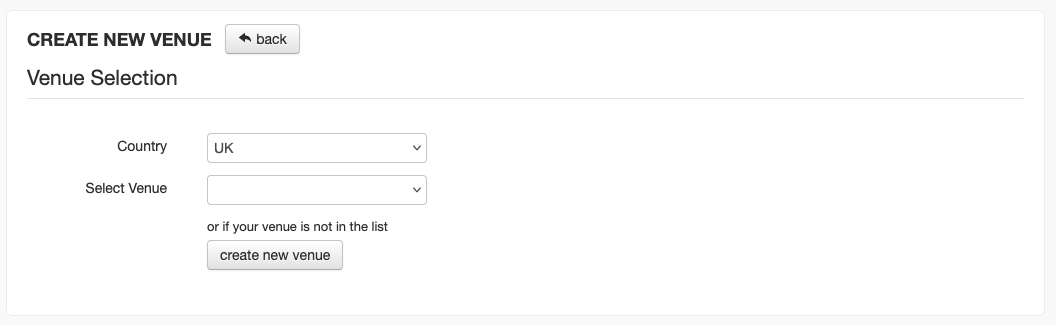
If you select an existing venue, the fields will be prefilled. If you create an entirely new venue, all the fields will be blank.
Set the Name of your venue as you'd like it to show to your users.
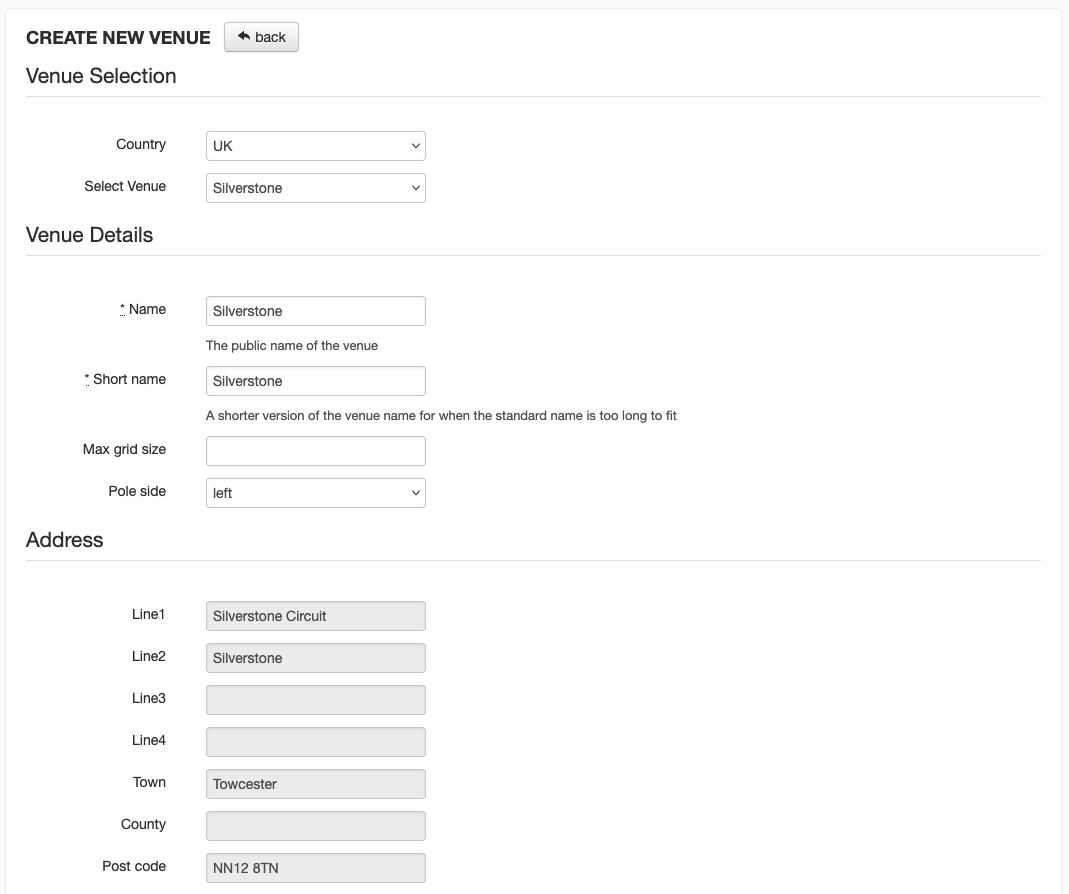
Once you've entered the details for your venue, click the blue 'Create Venue' button at the bottom of the screen to save your changes.
Was this article helpful?
That’s Great!
Thank you for your feedback
Sorry! We couldn't be helpful
Thank you for your feedback
Feedback sent
We appreciate your effort and will try to fix the article